
Predictable ordering
Clear file names keep the sequence stable. Zero-padded names such as 001, 002 and 003 are easier to sort than mixed naming patterns.
CHAPTER WORKFLOWS
Translate an ordered folder of manga pages with the same OCR, model, language and profile settings. Batch mode reduces repetitive setup while preserving the ability to review individual output pages.
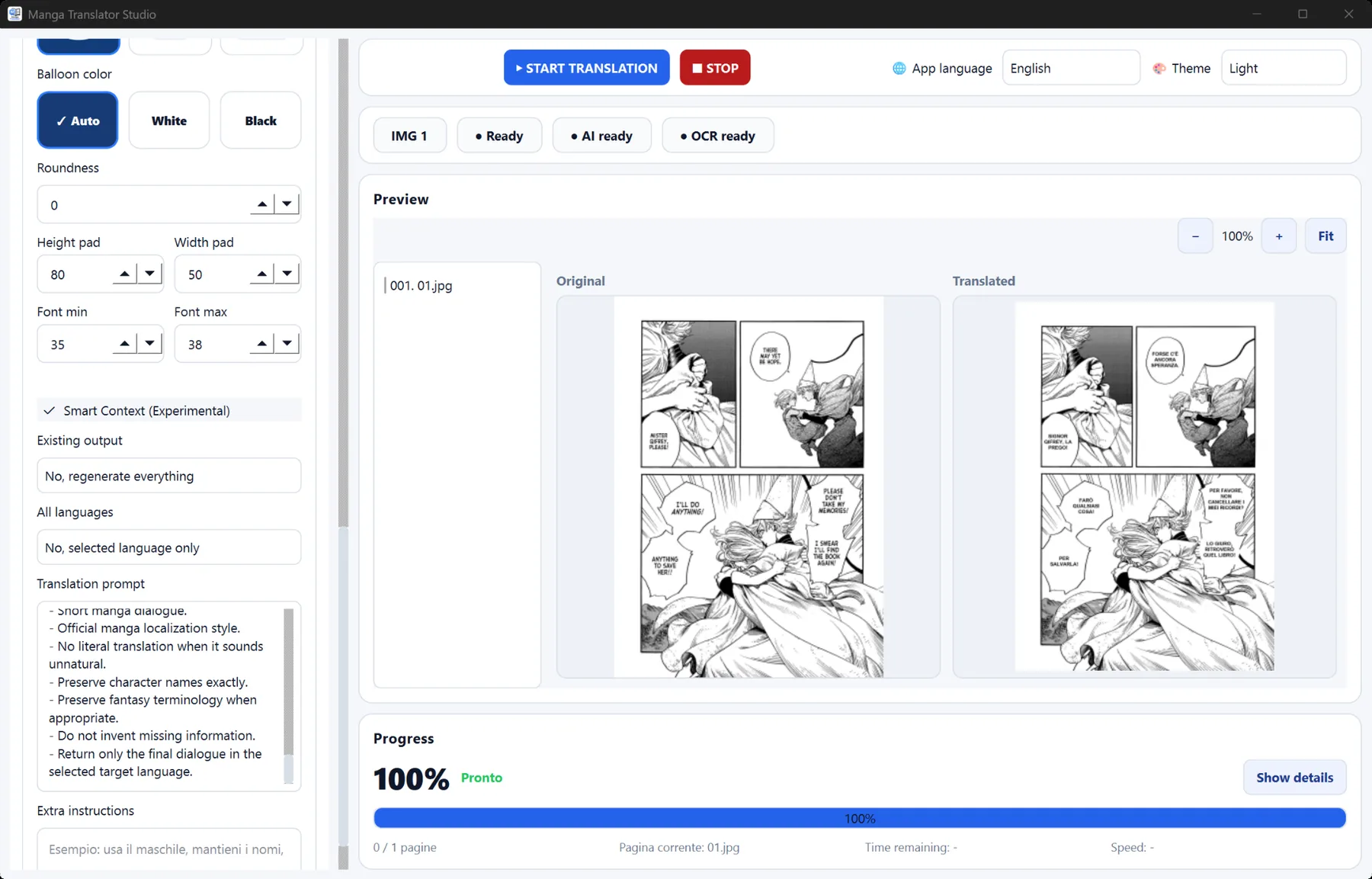
Manual image-by-image translation becomes slow and inconsistent across a long chapter. Batch processing lets you define the workflow once, process pages in order and keep related output together. Smart Comic Context and saved profiles can help maintain names, terminology and tone across nearby pages.
Clear file names keep the sequence stable. Zero-padded names such as 001, 002 and 003 are easier to sort than mixed naming patterns.
Apply one target language, OCR engine, local model and manga profile to the folder instead of rebuilding the setup for every page.
Batch mode saves time on routine processing, while you can still inspect difficult balloons, stylized text and important dialogue afterward.
Keep one chapter per folder, remove unrelated images and use consistent file extensions and sequential names.
Set the source, target language, terminology, prompt and rendering preferences for the title you are translating.
Start the batch, then review representative pages and any output with dense layouts or unusual lettering.
Use consistent, zero-padded names such as 001.jpg, 002.jpg and 003.jpg for predictable processing order.
Yes. Profiles are useful for reusing prompts, terminology and rendering choices throughout a series or chapter.
Yes. OCR and AI can struggle with stylized fonts, small text or ambiguous dialogue, so a human review remains valuable.