Japanese source text
MangaOCR is intended for Japanese manga text and is a practical choice for dialogue found in typical Japanese page layouts.
TEXT RECOGNITION
Recognize dialogue in Japanese manga and Latin-script comics before translation. Choose the OCR approach that fits the source, then keep extraction, AI translation and output inside one Windows workflow.
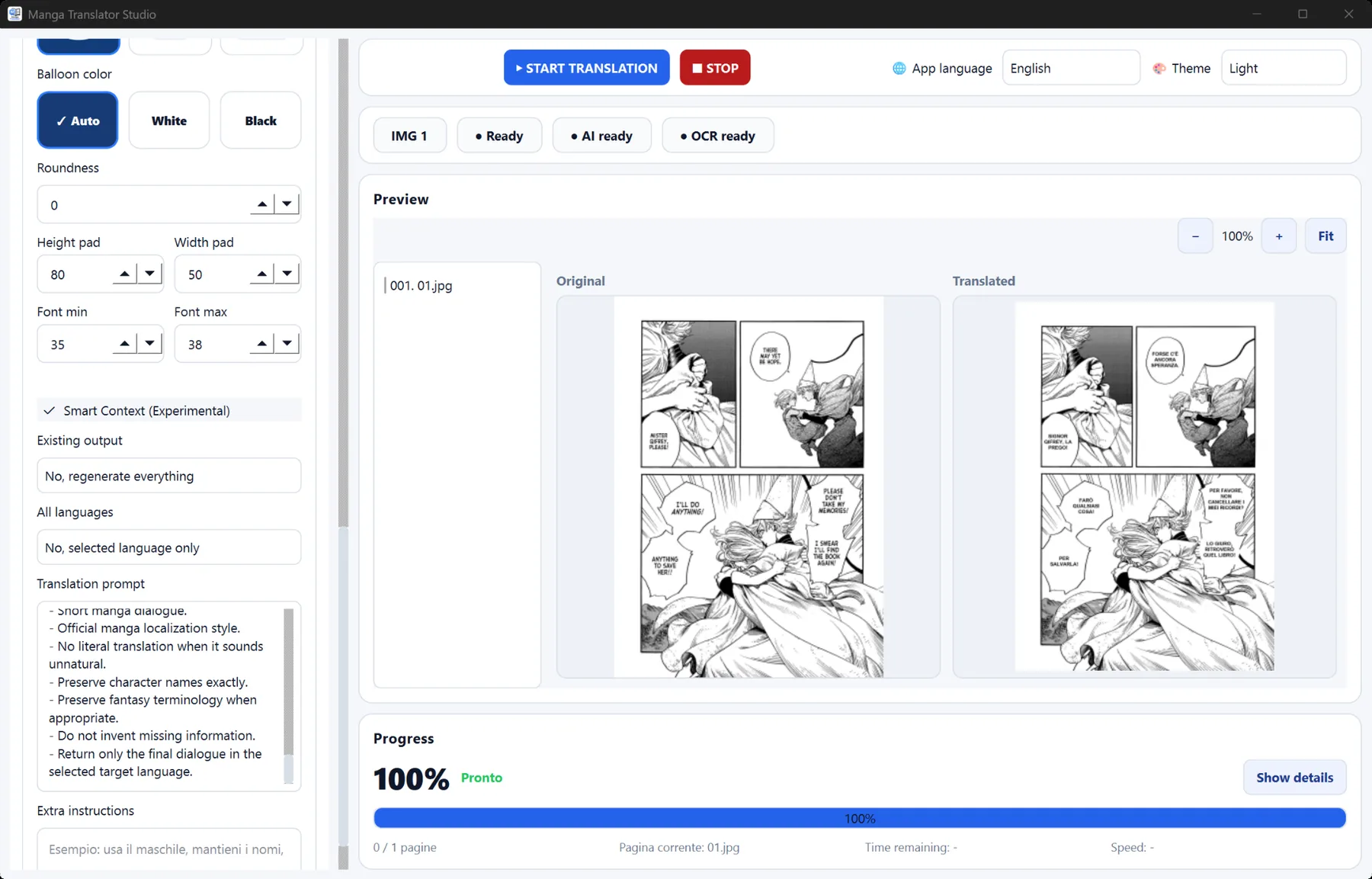
Manga pages combine stylized fonts, vertical writing, small balloons, sound effects and artwork. General document OCR expects straight rows on a plain background, so it can struggle with comic layouts. A manga workflow lets you select an engine suited to the source and review the translation output in the same project.
MangaOCR is intended for Japanese manga text and is a practical choice for dialogue found in typical Japanese page layouts.
EasyOCR can support English and other compatible scripts, making it useful for comics, scanlations and edited source pages.
Profiles help you reuse OCR, translation and rendering choices across a chapter instead of configuring each page from scratch.
Use clear, correctly oriented pages. Excessive compression, tiny text and heavy artifacts can reduce recognition accuracy.
Choose a Japanese-focused engine for Japanese manga or a compatible general OCR engine for Latin-script material.
Check stylized lettering, overlapping artwork and very small balloons. OCR is an assistive step, and unusual pages may need correction.
It converts printed dialogue and captions in manga images into machine-readable text that can be translated, searched or reviewed.
A Japanese-focused option such as MangaOCR is designed for Japanese manga text and layouts commonly used in speech balloons.
Yes. Resolution, contrast, font style, page rotation and image artifacts can all affect recognition. Clean source images usually produce better results.